


After doing some research, I decided to create a ring of LED lights in the entertainment section using WS2812 RGB LED Sticks and several small LED screens. I planned on using a Raspberry Pi to control everything.
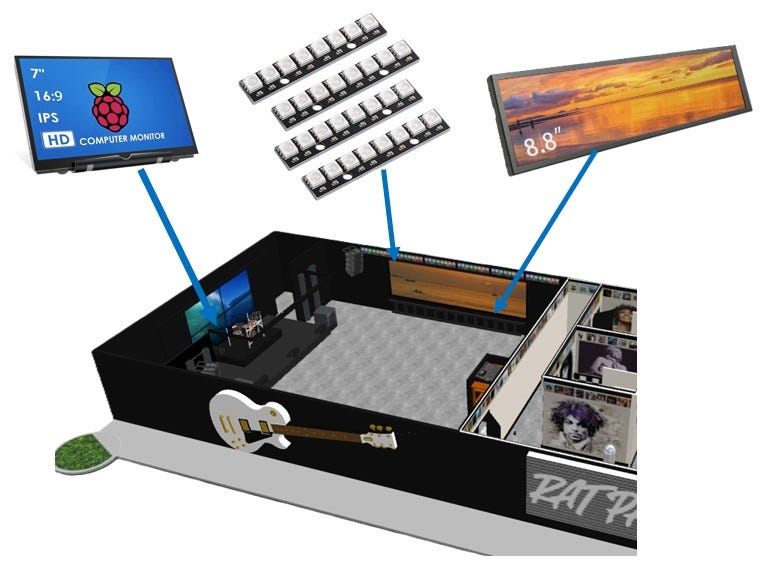
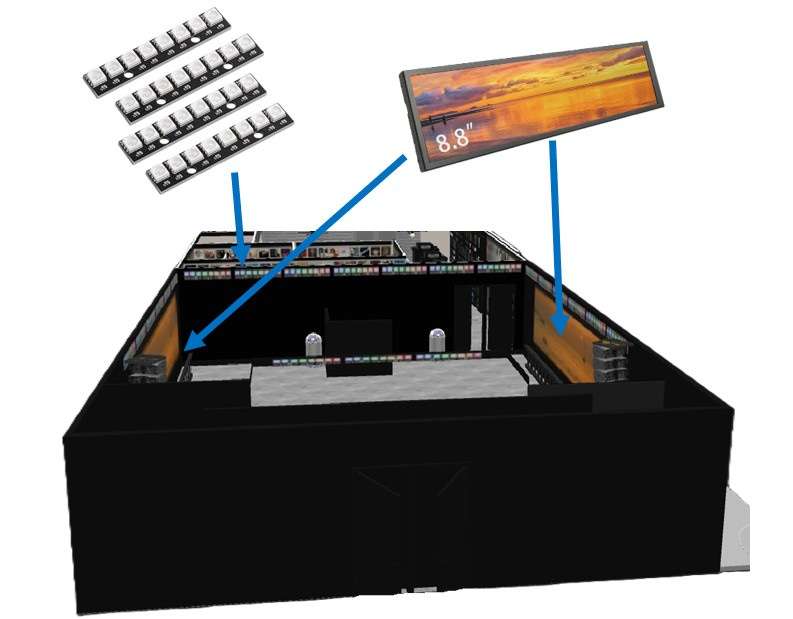
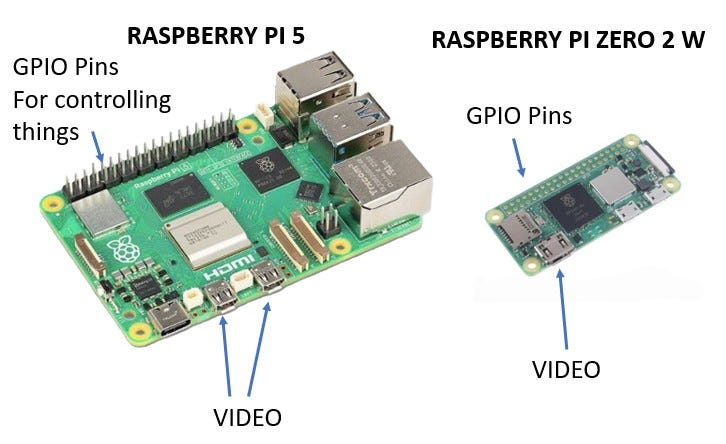
Since I was still in the early stages, I looked at a couple of the Raspberry Pi models. With a Pi 5, I could have one video feed for the main stage and then split the 2nd video feed for each side monitor. If the side monitors are to play different videos (still deciding), then I needed a third video port. If so, I thought I’d use the Pi 5 as the master and offload instructions to a Pi Zero 2W. For now, I plan on just using the Pi 5 to run the entire show.
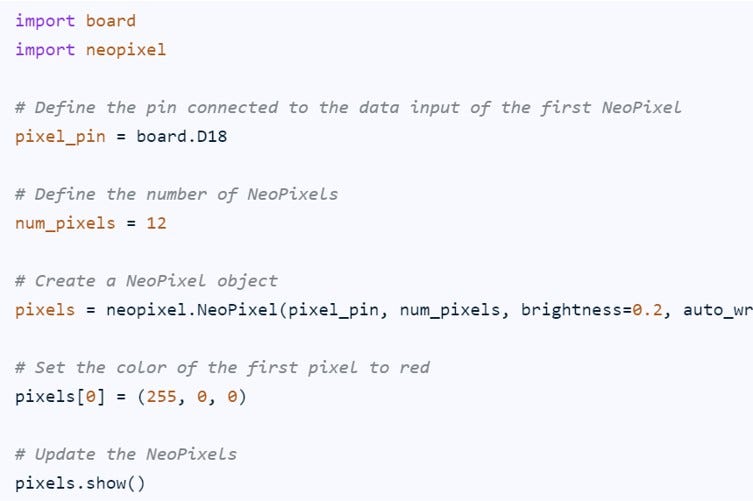
The next decision was whether to write my own code to display media. I started down this path initially. The problem with rolling your own code is in the details. It’s fairly easy to get libraries to help play videos and use the ws2811 protocol, but managing changes, playlists, etc., starts to become a time waister.
And then, my brother in-law showed me xLights. Wow! This was perfect! It scales from the real-world down to a 1:24 scale model. So technically, my 1:24 scale model is a test for a full-size version.
xLights has a long history for making Christmas light shows.
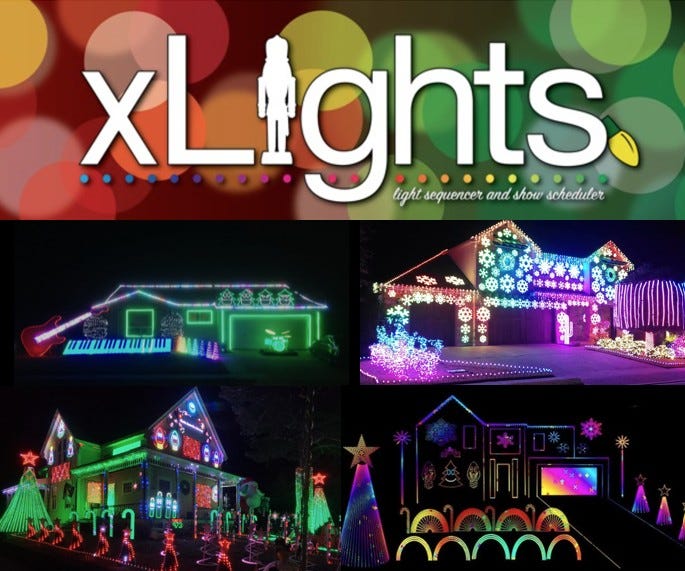
As shown above, the Christmas light shows can be very complicated. These shows have all kinds of LED lights, sound, FM transmitters, video projectors, etc.
This platform is an overkill but it is very scalable. I thought I would invest the time to see if it works.
In the next few posts, I will walk through setting up a Raspberry Pi running one 8 pixel stick. Once the end to end steps are down, more components will be added.